
CheckWorkRights and Paradox

Here's how it works

Send automated, mobile-friendly checks
When a candidate reaches the screening stage, Paradox automatically triggers a CheckWorkRights request.
Candidates use the secure and mobile-friendly MyCheck workflow to complete checks and upload evidence.

Check progress transparency
Monitor real-time progress of check statuses in CheckWorkRights or Paradox. Automated reminders and follow-ups to your candidates are managed by CheckWorkRights.

Review check results
Get notified when checks are complete and view detailed outcomes for each check type within the candidate record.
The results (and specific visa conditions) are instantly visible in Paradox.
Keep evidence of checks without the risk
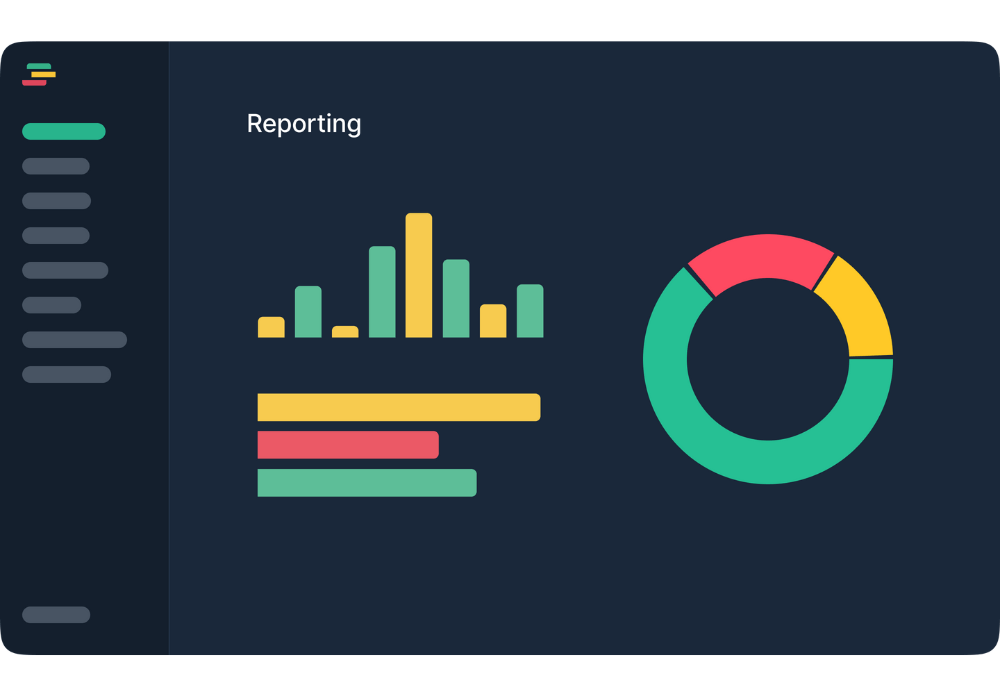
Maintain an searchable record of all checks conducted via CheckWorkRights for reference during an audit or site visit.
CheckWorkRights was built to comply with the Privacy Act, and Australian Privacy Principles, giving you the tools to reliably reduce risk while maintaining compliance.
Remove manual admin and speed up time-to-hire
Bridge the gap between a successful interview and a signed contract by automating right to work checks through Olivia.
- Fully Automated Triggers: Checks initiate the moment a candidate hits your designated stage.
- Check Completion Reminders: We’ll handle sending checks, error resolution and reminding candidates.
- Real-Time Paradox Sync: Results and visa conditions flow directly back into the candidate profile.

Simple and fast candidate experience
Use our reliable mobile-first workflow that caters to tens of thousands of candidates each month.
The candidate MyCheck Dashboard provides a simple and secure workflow with detailed instructions for completion and secure document upload, no logins needed.

"The system talks to the candidates for you, and then tells your team what to do, so it’s hard to miss things even when you’re spinning lots of plates."
Sheridan Calverley, SkyCity AdelaideHire at scale with a standout candidate experience
Use our reliable mobile-first workflow that caters to tens of thousands of candidates each month. The candidate MyCheck Dashboard provides a simple and secure workflow with detailed instructions for completion and secure document upload, no logins needed.

Create a single source of truth across employee lifecycle
We support multiple system connections, allowing you to move data seamlessly from Paradox to your HR, payroll, onboarding, and rostering systems.
And with Paradox now part of Workday, you’ll be fully covered by the CheckWorkRights’ out-of-the-box Workday integration.

Frequently Asked Questions
How does the integration between Paradox and CheckWorkRights (CWR) work?
The integration is designed to be hands-off for recruiters. When a candidate reaches a specified stage in your Paradox workflow, a background check is automatically triggered. Paradox’s AI assistant, Olivia, sends the candidate a secure link via SMS to complete their check. Once finished, the results and status updates flow directly back into the candidate’s Paradox profile in real-time.
Do I need to log into a separate system to see results?
No. One of the primary benefits of this integration is providing a “single source of truth.” Detailed results and compliance statuses are synchronised back to Paradox, allowing recruiters and hiring managers to view everything they need within the candidate’s profile.
How does the system handle complex results?
Recruiters only need to take action if a candidate’s status shows ‘Manual Review Required’. Otherwise, the automation allows you to move successful candidates through the pipeline without intervention.
Does the system handle ongoing compliance, or just pre-employment?
Beyond the initial check, our system provides real-time visa monitoring. For candidates who are hired, their details can flow into downstream systems (like Workday) where their visa conditions are continuously monitored, ensuring your workforce remains compliant long after the initial hire.
How does CheckWorkRights ensure data security and privacy?
CheckWorkRights is built with privacy and compliance at its core. The platform collects only the minimum personal information needed to conduct right to work checks, and never stores visa details beyond what’s required. All data is encrypted in transit and at rest, with access restricted based on user roles and permissions.
See here for more detail on data privacy.
Ready to transform your hiring with CheckWorkRights and Paradox?
Book a demo and discover why Australia’s busiest hiring teams trust CheckWorkRights with their employee compliance.


